

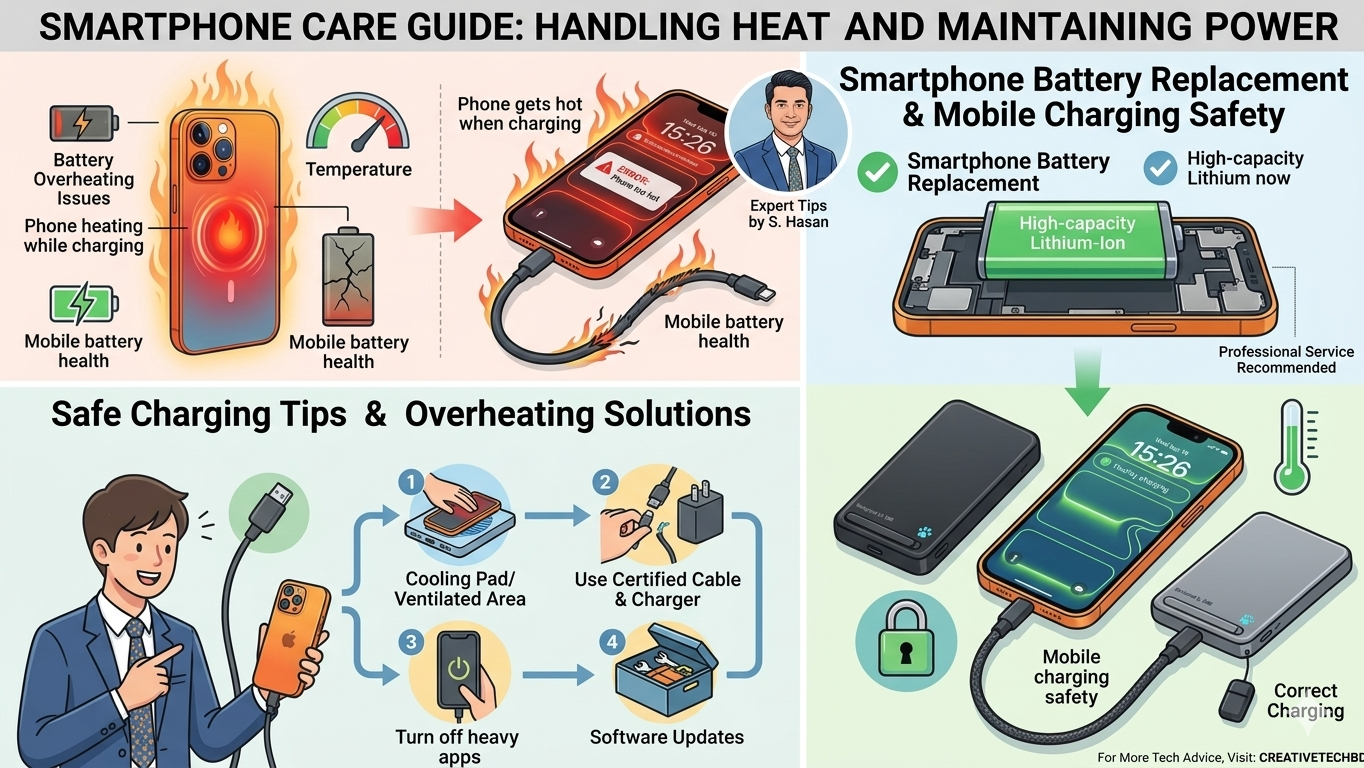

Why Does Your Phone Get Hot While Charging?
Phone Heating While Charging Many smartphone users notice that their devices become warmer than usual while charging. While a slight increase in temperature is normal, excessive or frequent overheating should not be ignored. It may indicate an underlying issue that could affect your device’s performance, battery life, and safety.
Common Causes of Phone Overheating During Charging
1. Faulty Charging Cable or Charging Port
A damaged charging cable or a defective charging port can cause unstable power flow. This may result in excess heat generation while charging.
2. Aging Battery
As smartphone batteries age, their ability to hold and manage charge decreases. Older batteries often generate more heat during charging and discharge cycles.
3. Defective Battery
A damaged or faulty battery can produce abnormal levels of heat. In some cases, a defective battery may swell, degrade rapidly, or even pose a safety risk.
Check Your Battery Health
If you notice that your phone’s battery drains much faster than before, it’s a good idea to check the battery health settings on your device. Poor battery health often contributes to overheating issues and reduced performance.
Why Overheating Is Dangerous
Ignoring excessive heat can lead to serious consequences. Faulty batteries, damaged charging accessories, or charging system failures may increase the risk of battery damage, device malfunction, or even fire hazards.
If your smartphone regularly becomes extremely hot while charging, have it inspected by a qualified technician as soon as possible.
Safe Charging Practices
Following proper charging habits can significantly reduce overheating risks.
Charge Your Phone on a Flat, Cool Surface
Always place your smartphone on a hard and well-ventilated surface while charging. This helps heat dissipate naturally.
Use Original or Certified Chargers
Avoid low-quality or counterfeit charging accessories. Original or certified chargers provide stable power delivery and better safety protection.
Remove Thick Cases If Necessary
Some protective cases can trap heat during charging. If your phone becomes unusually warm, consider removing the case while charging.
Charging Mistakes You Should Avoid
Many people charge their phones on beds, under pillows, blankets, or comforters. This is a dangerous habit.
Soft materials trap the heat generated during charging, preventing proper airflow. As a result, the phone’s temperature can rise significantly, increasing the risk of overheating and potential fire hazards.
For maximum safety, always charge your smartphone in an open, ventilated area away from flammable materials.
Final Thoughts
A smartphone that consistently overheats during charging should never be ignored. Common causes include damaged charging cables, faulty charging ports, aging batteries, or defective battery cells. Monitoring battery health and following safe charging practices can help protect both your device and your personal safety.
If overheating persists despite using proper charging methods, consult a professional technician and replace any faulty components immediately.