

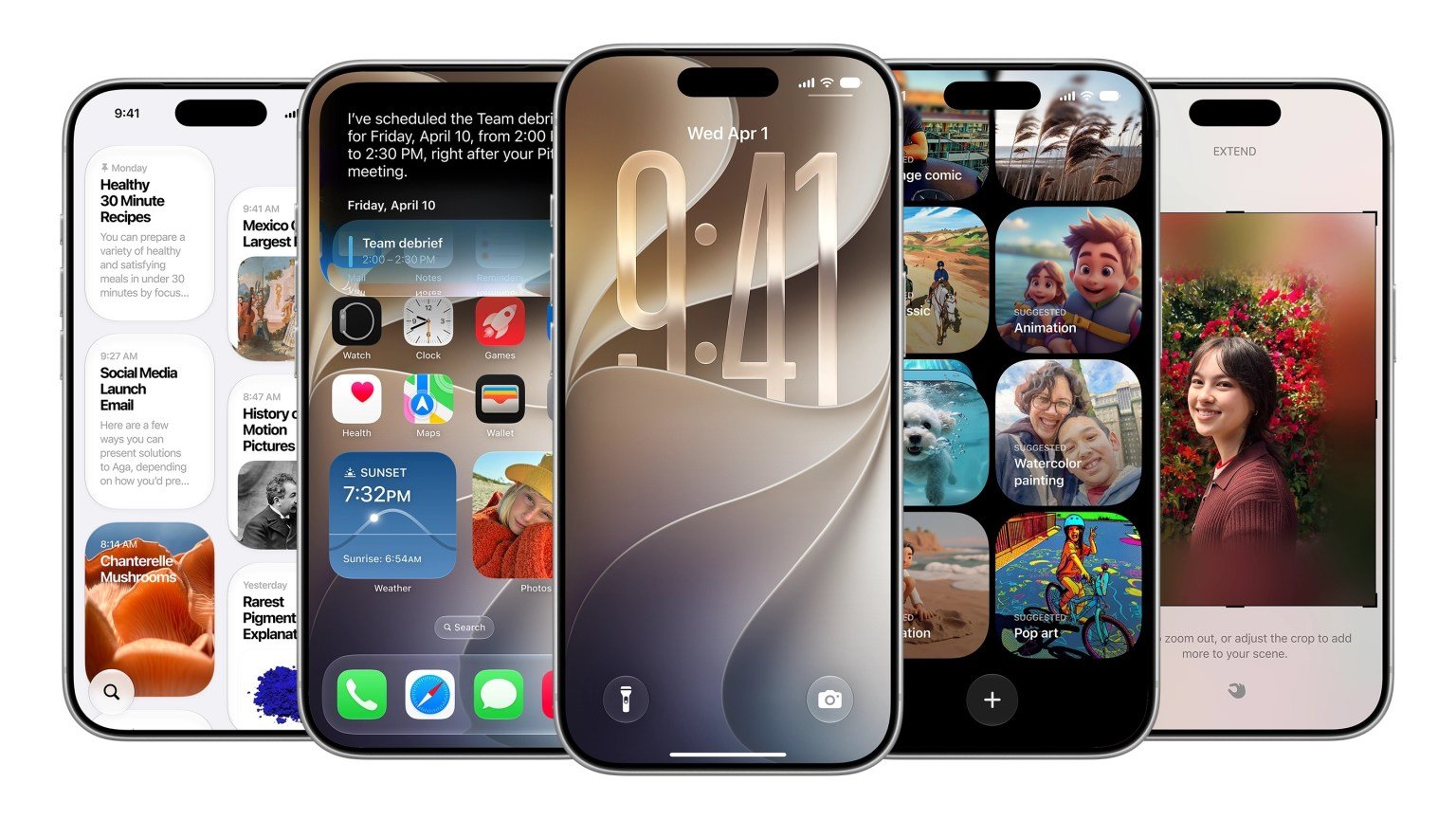

While Apple’s AI-powered Siri stole the spotlight at WWDC 2026, the company quietly introduced a collection of smaller yet highly useful features in iOS 27 that could significantly improve the everyday iPhone experience.
Although these updates were not highlighted during the keynote presentation, they offer new customization options, improved productivity tools, enhanced privacy controls, and quality-of-life improvements across several Apple apps.
Here are some of the most interesting hidden iOS 27 features discovered after the event.
Full-Screen Widgets Arrive on the Home Screen
Apple is giving widgets a major boost in iOS 27.
Users can now add full-screen widgets directly to the Home Screen, making it easier to view information such as:
- Calendar events
- News updates
- Weather forecasts
- Reminders
- Productivity dashboards
The new layout allows users to access important information at a glance without opening individual apps.
Separate Volume Controls for Alerts and Alarms
One long-requested feature is finally arriving.
iOS 27 allows users to set separate volume levels for:
- Alarms
- Timers
- Notifications
- System sounds
Users can access the new controls through:
Settings → Sounds & Haptics
After disabling the “Match Ringtone Volume” option, individual sliders become available for more precise sound customization.
Faster Clipboard Access Across Apps
Apple has simplified the copy-and-paste experience.
When users copy text, screenshots, or images, iOS 27 now displays a convenient paste suggestion directly above the keyboard.
The feature works similarly to Apple’s one-time passcode autofill system and makes transferring content between apps much faster.
Weather App Gets a Fresh Redesign
The Weather app is receiving a cleaner interface with new forecasting tools.
A new Highlights section now surfaces important upcoming weather events and changes.
Users can also switch more easily between:
- Conditions
- Precipitation
- Wind
The update aims to make weather information more accessible and easier to understand.
Messages App Gains More Customization
Apple continues improving Messages with several new features.
Users can now choose whether to display:
- Voice recording button
- Dictation button
- Both options
- Neither option
Additionally, Messages now supports a new Drawing feature that allows users to sketch:
- Notes
- Diagrams
- Quick illustrations
- Handwritten ideas
The feature could be particularly useful for collaboration and communication.
Camera Controls Become Easier to Access
Photography enthusiasts will appreciate the redesigned camera interface.
Important camera tools are now easier to reach, including:
- Depth controls
- Grid overlays
- Level indicators
The update reduces the number of taps required to access commonly used photography settings.
Improved Emoji Navigation
Apple has added a small but useful enhancement to the emoji keyboard.
A new scroll bar appears at the bottom of the emoji selector, making it easier to navigate through large emoji collections more efficiently.
New Timer Interface
The Timer control in Control Center has received a visual refresh.
Instead of the previous design, users will now see a smoother slider-based interface for setting countdown durations quickly.
More Privacy in Find My
One of the most notable privacy improvements arrives in the Find My app.
iOS 27 allows users to temporarily hide their location from a specific person without notifying them.
Users can choose a custom duration before location sharing automatically resumes.
This provides more flexibility while maintaining privacy when needed.
Wallet App Now Supports Custom Passes
Apple Wallet is becoming more versatile.
Users can now create their own custom passes for:
- Events
- Membership cards
- Personal records
- Access credentials
The feature expands Wallet’s usefulness beyond traditional tickets and payment cards.
CarPlay Finally Adds Audio Scrubbing
A long-awaited improvement is coming to CarPlay.
Users can now scrub through audio tracks, podcasts, and recordings directly within the CarPlay interface, making playback navigation much more convenient.
Manual iCloud Sync Controls
iOS 27 introduces manual synchronization options for:
- Photos
- Files
- Health data
This gives users more control over when content is uploaded to iCloud, which can be especially useful when managing storage or mobile data usage.
Calendar Becomes Smarter About Holidays
The Calendar app can now recognize holidays and proactively ask users whether they want to keep scheduled alarms active.
This small but thoughtful feature could help users avoid unnecessary early-morning alarms during vacations and public holidays.
Small Features, Big Impact
Although iOS 27 is not the most dramatic iPhone update in recent years, these hidden enhancements show Apple’s continued focus on refining the user experience.
From better privacy controls and smarter messaging tools to more customizable widgets and improved productivity features, many of these additions could become some of the most appreciated parts of the update once users begin using iOS 27 daily.